
To delete a bird from AIMS you first need to remove all it’s related records, such as weights, movement records etc.
We had a few users who have bene using AIMS for many years and when they first started to use it they added some dummy bird to try out things with to see how the system worked.
They have asked for the ability to remove these birds and their related records as they are not real bird.
To do this would be very time consuming, especially as some of them have had eggs entered which have been hatched and so created young in AIMS.
We have therefore added the ability to remove a bird and ALL of it’s related records from AIMS.
When you remove a bird it will remove any eggs it has laid. If these have hatched it will also remove the young, and all of their related records, so if they have eggs that have hatched it will remove them and the chicks from them.
As this is not something that is used often and is so powerful we have password protected it. In order to use it you will need to obtain a password from our supprt staff. This will only be issued to the main contact we have on file and is good for only 24 hours from issue.
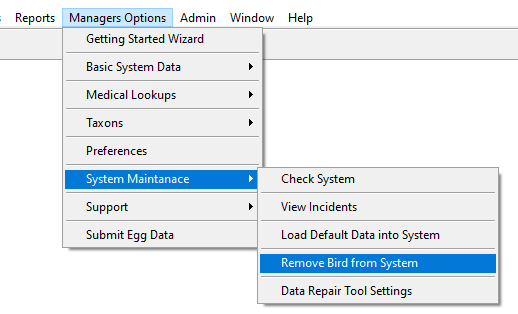
If you have a bird for open when you open the Remove bird from system for it will automaticlaly add that bird to the page.
If you opemn it by itslef then you can use the F2 lookup button to the right of the birds name to bring up a list to select from.

After selecting the bird clcik on the Remove bird button.
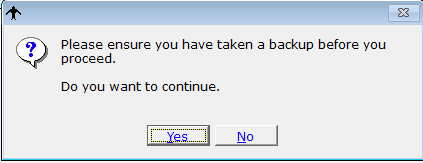
You will be asked if you have taken a backup and asked if you wish to continue.
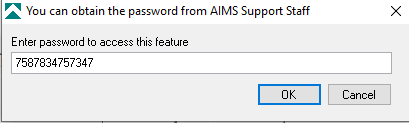
Next enter the password provided by AIMS support staff and click OK to continue
You will then be shown the birds details and asked to confirm that you want to remove it al ALL of it’s related records.

As this tool is very powerful and theer is no way to undo the deletiosn it makes you will be shown a second warning to confirm the deletion,
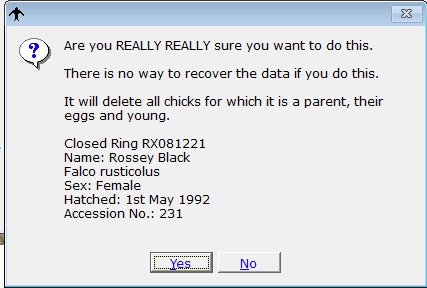
Selecting yes at this stage will delete the bird and it’s related record.
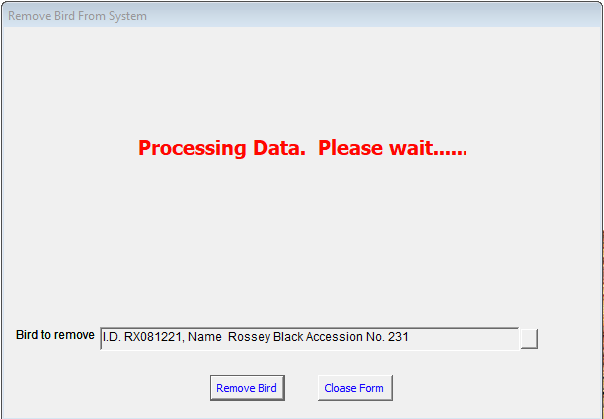
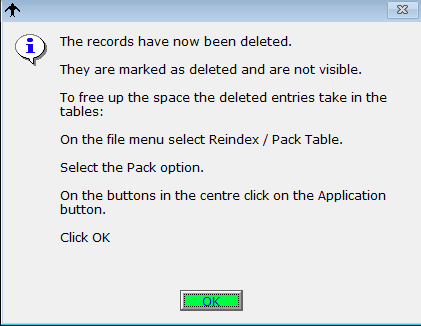
When you delete a record in AIMS is marked the entry as deleted, it does not actually delete the data until it writes other records and uses that space.
To free up space in the tables and remove the deleted data completely you need to pack the tables. See link below for details on how to do this.


