Introduced in version 9.5.0, you can now record inseminations.
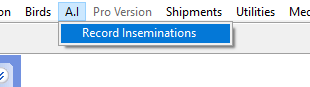
This will bring up the form to record inseminations..
If the form is run when no bird forms are open it will display all inseminations.

If opened with a bird form open, and a female selected, it will display only the records for that female.

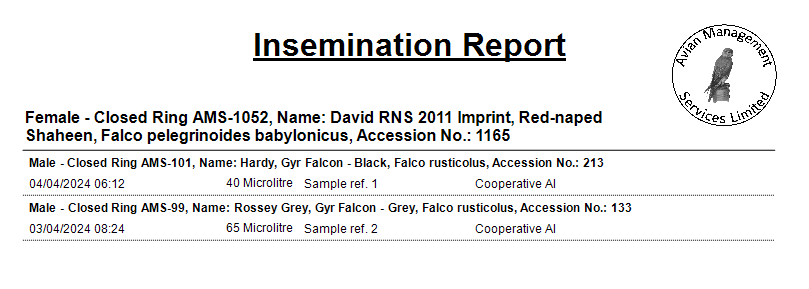
For each insemination it records the female and male, date and time of the insemination, volume inseminated (in micro litres) and your reference for the semen sample if you have one. There is a tick bix to record if it was a forced AI. If this is unticked it is assumed to be a cooperative AI
You can move down the grid to view other entries if you have not opened it with a female selected on a bird form.
The data is ordered in female ID then date and time.
If you open the form with a male selected in the bird form, it will add him in the female position on the form, but the system will not allow you to save the record as it will detect that the bird is a male as you try to save the record. We will enhance this so that it will not add a male in the first place.
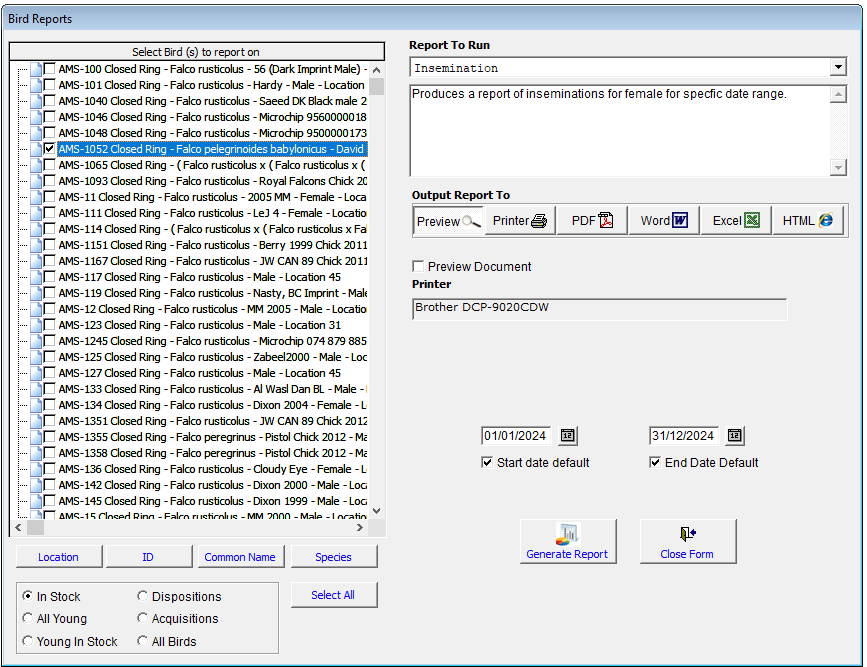
You can access a report for this in the Bird reports under insemination.
For the report select the females you want to report on and the date range and it will print a report for each female.