
This update is centred on CITES breeder registration applications.
It has been brought to our attention that the inspectors for UK CITES Breeder registration are asking that bird details, together with their A10 permit numbers, to be displayed on the outside of each breeding chamber.
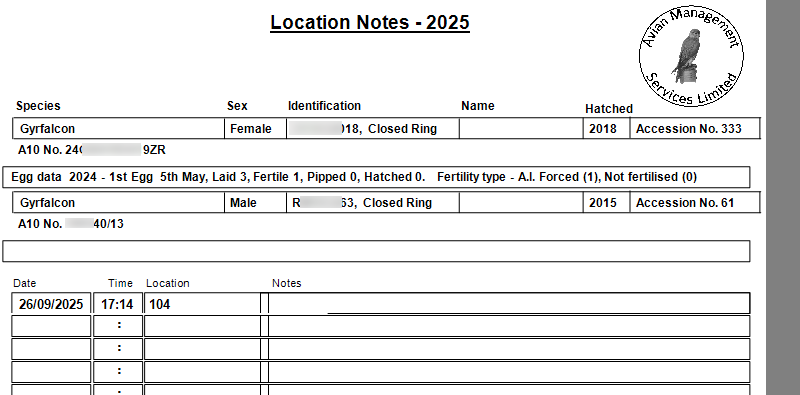
AIMS has always had a breeding chamber report that shows the detail of each bird in a chamber with space to enter notes , together with egg laying information for the previous season. We have now added the A10 permit number for each bird to this.
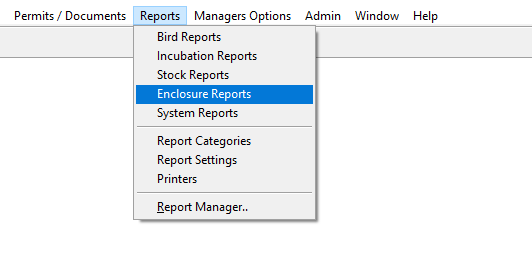
The report is accessed from the Reports / Enclosure menu option
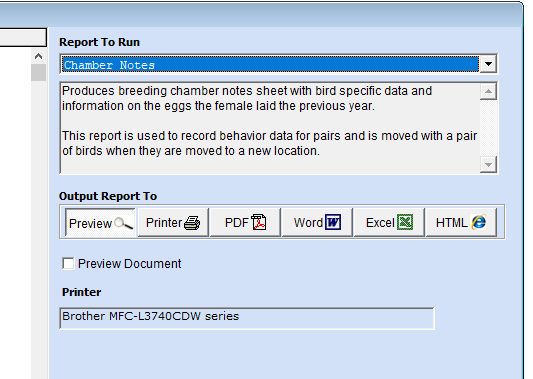
If you print this on Rite in the Rain paper using a laser printer and use a plastic clipboard on the outside of the chamber for it, it will provide all the details they are asking for and provide you with a sheet to add notes to for the pair during the breeding season.
Check on amazon for ‘Rite in the Rain Weatherproof Copier Paper’
CITES compliance report
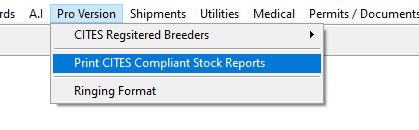
We have now enabled the CITES compliance report on the Pro version menu.
This report allows you to check that you have all the information for each bird in AIMS that is needed for a CITES inspection.
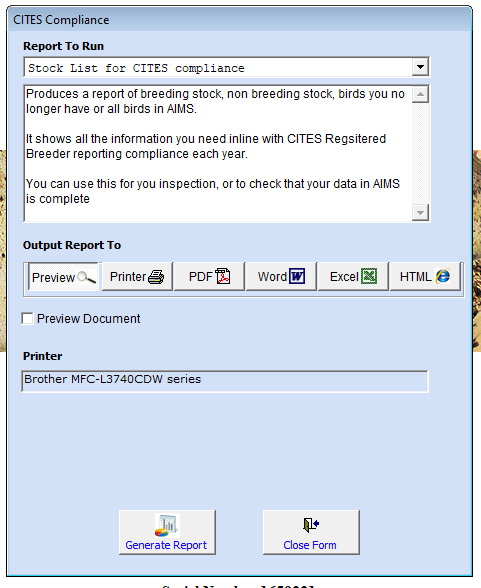
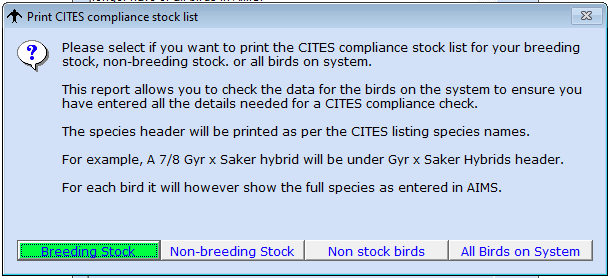
You can select to report on:
Breeding stock.
Non Breeding stock.
Non stock birds, those you have sold, exported, or died.
All birds on system.
The report is ordered by :
CITES Species.
Sex.
Ring number
For example under Gyr x Saker hybrids will be all of your ¾ and ⅞ Gyr x Saker hybrids
Under Peregrine falcons will be all of your Peregrine subspecies
Items that have issue which need to be check will be highlighted in red, such as missing A10 permit number.
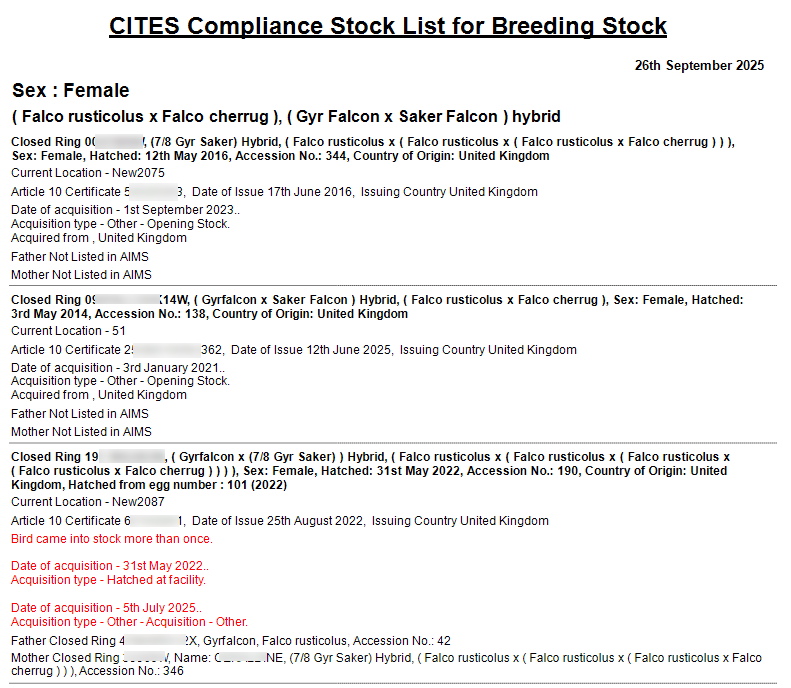
Once you have resolved any issues in the data you can print this to give to the inspector when you have your CITES Registration inspection and it will provide him / her with all the information they need on each bird.
This combined with a stock take report should be all they need during any physical inspection.